Backup
Scheduled SSH/rsync backups of the database and app files — upload storage is not included.
$39.00
Buy now
Requires an active XFile Ultra license — same key, added entitlement.
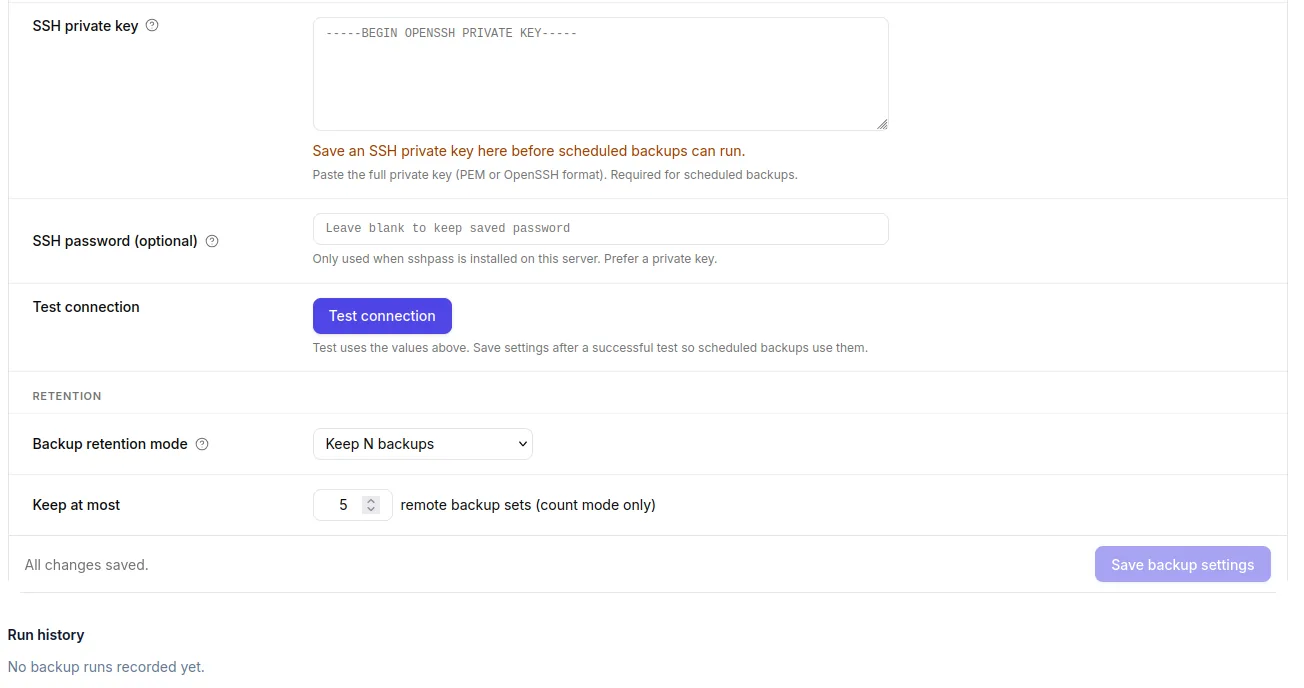
Backup unlocks the admin Backup page: schedule remote snapshots of PostgreSQL and/or the application tree over SSH and rsync.
What you get
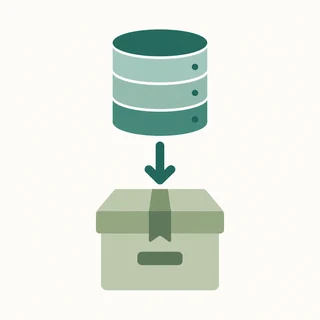
- Database dumpOptional pg_dump of the site database to the remote backup destination.
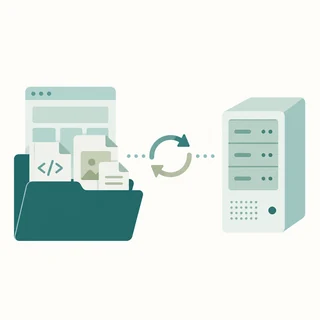
- Website / app filesOptional rsync of the application root to a remote server over SSH (key or password).
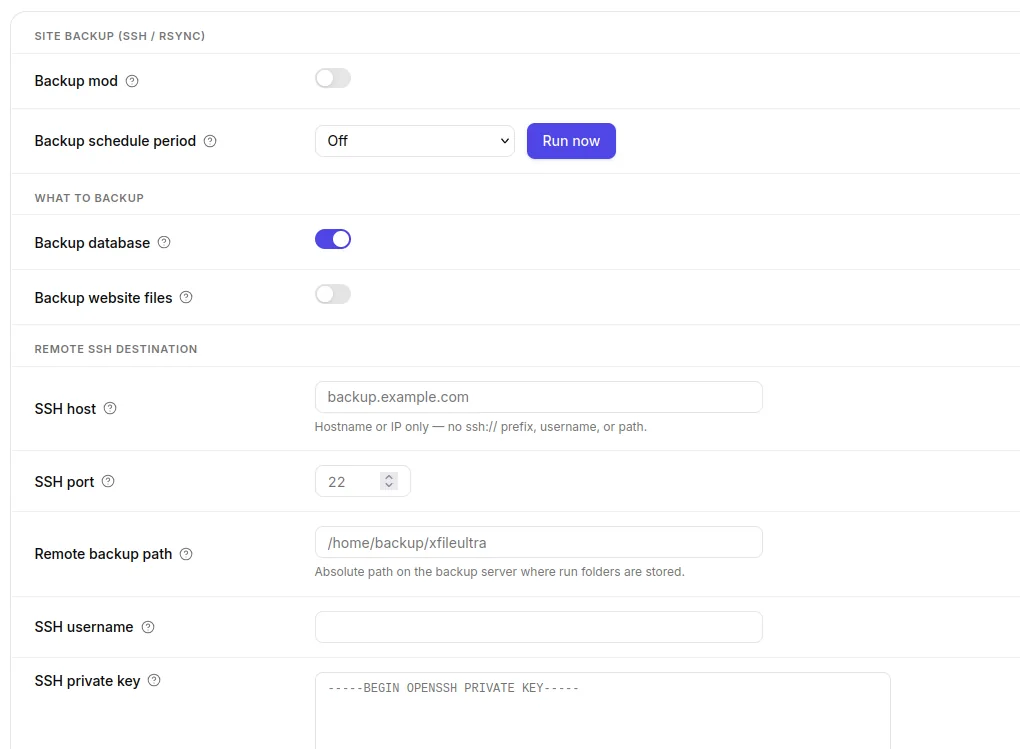
- Schedule & retentionRun off, hourly, daily, or monthly; keep a retention count or overwrite a current snapshot.
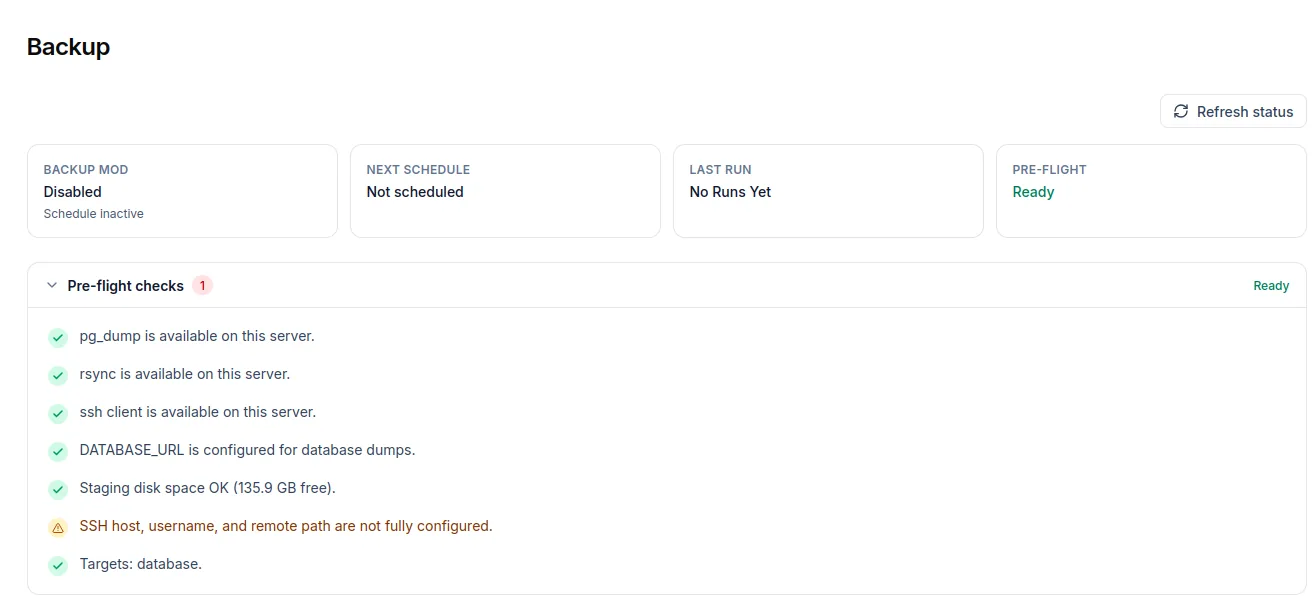
- Admin Backup pageConfigure destination, test SSH, and review runs from the dedicated Backup admin screen.


Screenshots
What you’ll achieve
- Recover the database and app after a bad deploy or server failure.
- Keep backups on infrastructure you control.
- Run a repeatable schedule instead of manual dumps.
Good to know: Backup does not include the upload/storage folder or member files on disk or object storage. Website rsync also excludes node_modules, .next, .git, backup folders, and .env files. Keep separate redundancy for uploaded content.
For step-by-step setup (SSH key or password, schedule, and retention), see How to Use the Backup Plugin in XFile Ultra